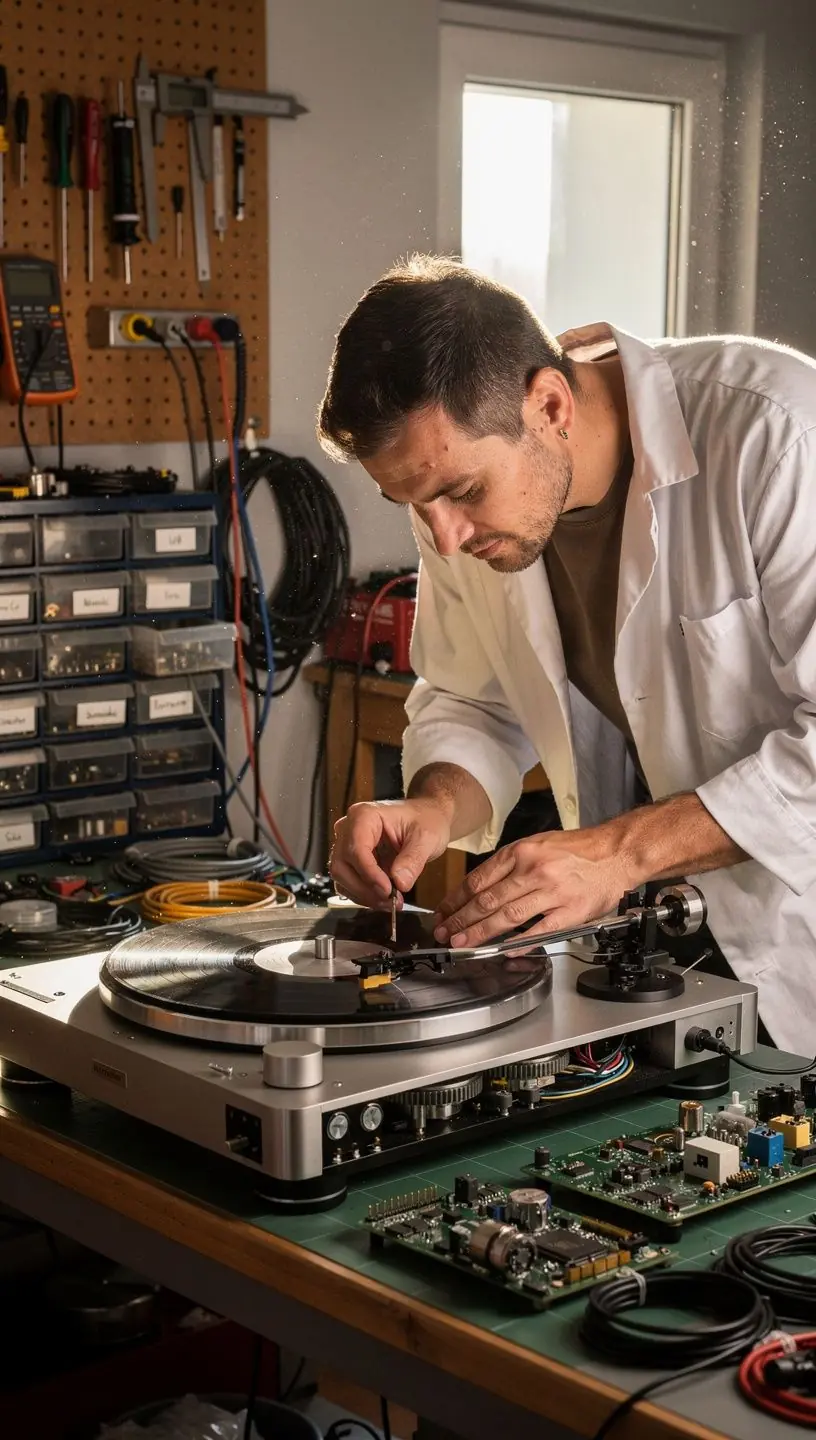
How to Troubleshoot a Skipping Turntable
If you’ve ever experienced a skipping turntable, you know how frustrating it can be. Fortunately, many issues can be diagnosed and resolved with some basic troubleshooting skills. In this article, we will explore common causes of skipping records and provide practical steps to fix them.
Understanding the Basics of Turntables
In order to effectively troubleshoot a skipping turntable, it’s important to understand how these devices work. A turntable typically consists of several key components: the platter, tonearm, cartridge, and stylus. The principle behind the functioning of a turntable is that the stylus reads the grooves of the vinyl as it spins, converting the physical vibrations into electrical signals, which are then amplified and played through speakers.

"Regular maintenance and careful handling can significantly reduce common issues, including skipping." - Audio Expert
Common Causes of Skipping
There are several reasons that may cause a turntable to skip. Addressing these issues can help restore your listening experience:
- Dust and Dirt: Accumulation of dust on the vinyl or stylus can lead to skipping. Experts recommend cleaning your records regularly with a soft brush and using a stylus cleaning solution.
- Improper Tracking Force: If the tracking force is too light, the stylus may not sit properly in the groove, causing it to skip. This can be adjusted with the help of a tracking force gauge. Typical tracking force settings range from 1.5 to 2.5 grams, depending on the cartridge used.
- Level Surface: An uneven surface can impact the stability of the turntable. Ensuring that the turntable is placed on a level surface is critical, as even slight inclines can lead to performance issues.
- Worn Stylus: A worn or damaged stylus may not track properly, potentially leading to skipping. Many users report that replacing the stylus every 500-1,000 hours of playtime can help maintain audio quality.
Step-by-Step Troubleshooting Process
Here’s a systematic approach to diagnose and potentially resolve skipping issues:
- Inspect the Record: Start by examining the vinyl for scratches or warps. In most cases, a clean, undamaged record should play smoothly.
- Check the Stylus: Remove the stylus and inspect it for dirt or wear. If necessary, replace it to restore performance.
- Adjust the Tracking Force: Using a tracking force gauge, adjust the force according to the cartridge specifications to ensure optimal performance.
- Level the Turntable: Use a spirit level to check the turntable's alignment and make adjustments as needed to ensure a stable playback.
- Clean Regularly: Make it a habit to clean both the records and stylus regularly to prevent further issues.
Conclusion
Understanding the common causes of skipping in turntables and following a systematic troubleshooting approach can help restore your analog audio experience. While some issues may require professional diagnostics or replacement of parts, many users find success with the steps outlined above. Regular maintenance and care are integral to enjoying the rich sounds that vinyl records offer. If problems persist, consider consulting with a professional vinyl turntable repair lab for expert assistance.